
App privacy and retention
Applies to the local-only public Mac package.
Control what gets captured
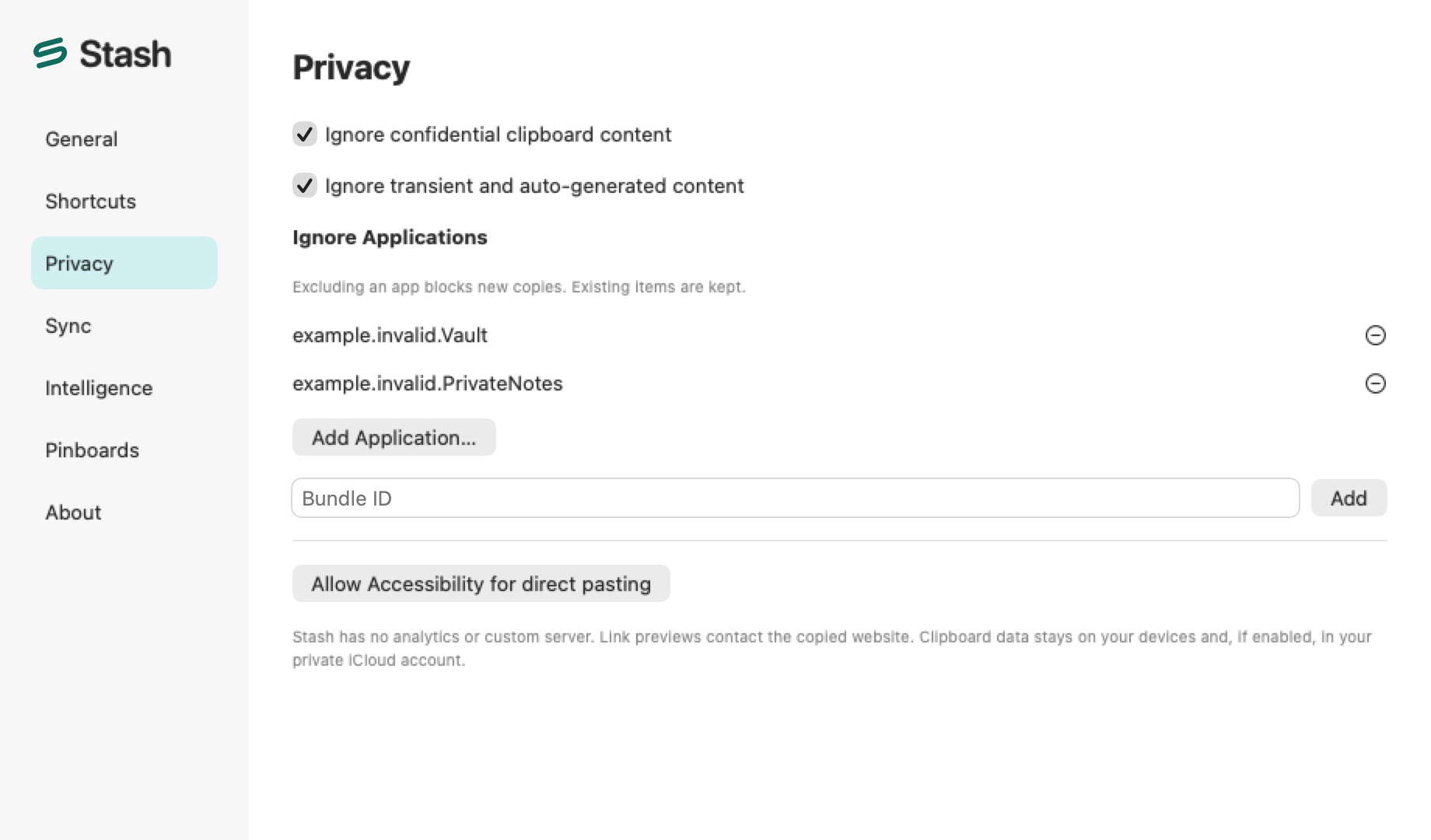
Section titled “Control what gets captured”In Settings → Privacy, review Ignore confidential clipboard content, Ignore transient and auto-generated content, and excluded apps. These controls apply to future capture. Use the menu-bar capture controls to pause collection when you need to handle sensitive content. Capture protections rely on available clipboard markers and app information.
Keep or remove older History
Section titled “Keep or remove older History”In Settings → General, review Keep history. Reducing retention can remove older History after confirmation. Erase History… removes History and keeps Pinboards. Export a private backup before erasing data you might need.
Know when data leaves the local library
Section titled “Know when data leaves the local library”This download stores its library on the Mac. Link previews can contact the copied website. Optional Suggestions use active-window context under macOS permissions. Optional MCP clients can read or write data within scopes you grant. Exports can contain private content, and recipients of an archive can inspect that content. See website privacy for how the separate website handles visits.