1 / 4
Start with something useful.
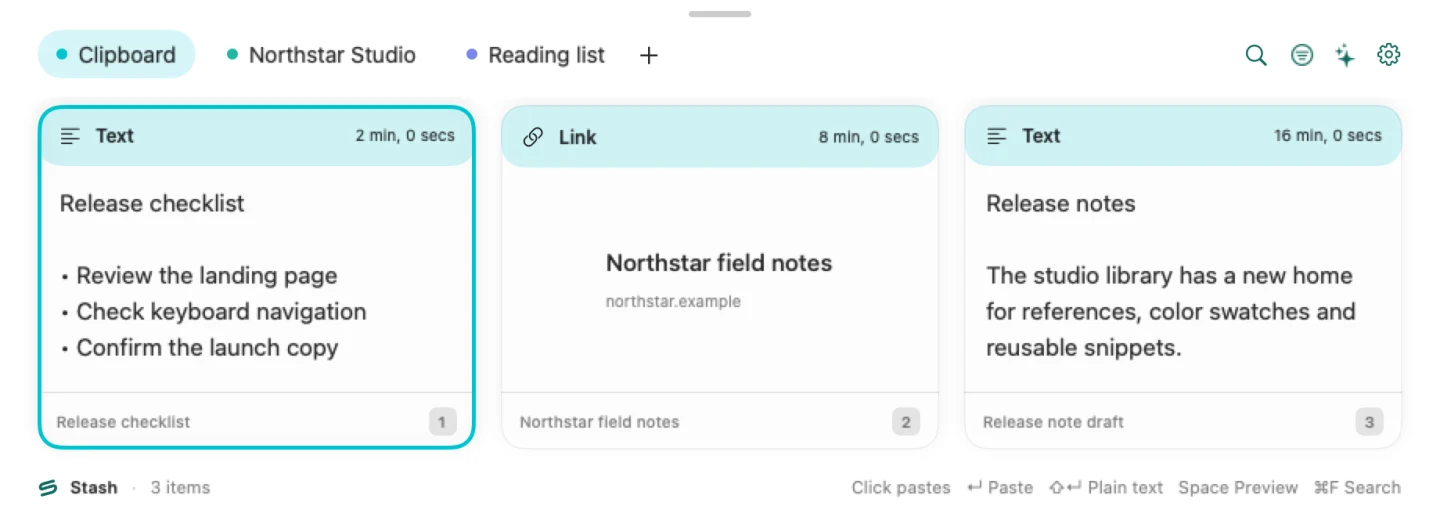
Copy a piece of text or a link while capture is enabled. This fictional checklist is our example.
Release checklist • Review the landing page • Check keyboard navigation • Confirm the launch copy


Four steps, at your pace. An illustrated guide with fictional data, not a live app or recorded paste test.
1 / 4
Copy a piece of text or a link while capture is enabled. This fictional checklist is our example.
Release checklist • Review the landing page • Check keyboard navigation • Confirm the launch copy
2 / 4
Press ⇧⌘V to open Stash. Recent items appear in the Clipboard tab.

3 / 4
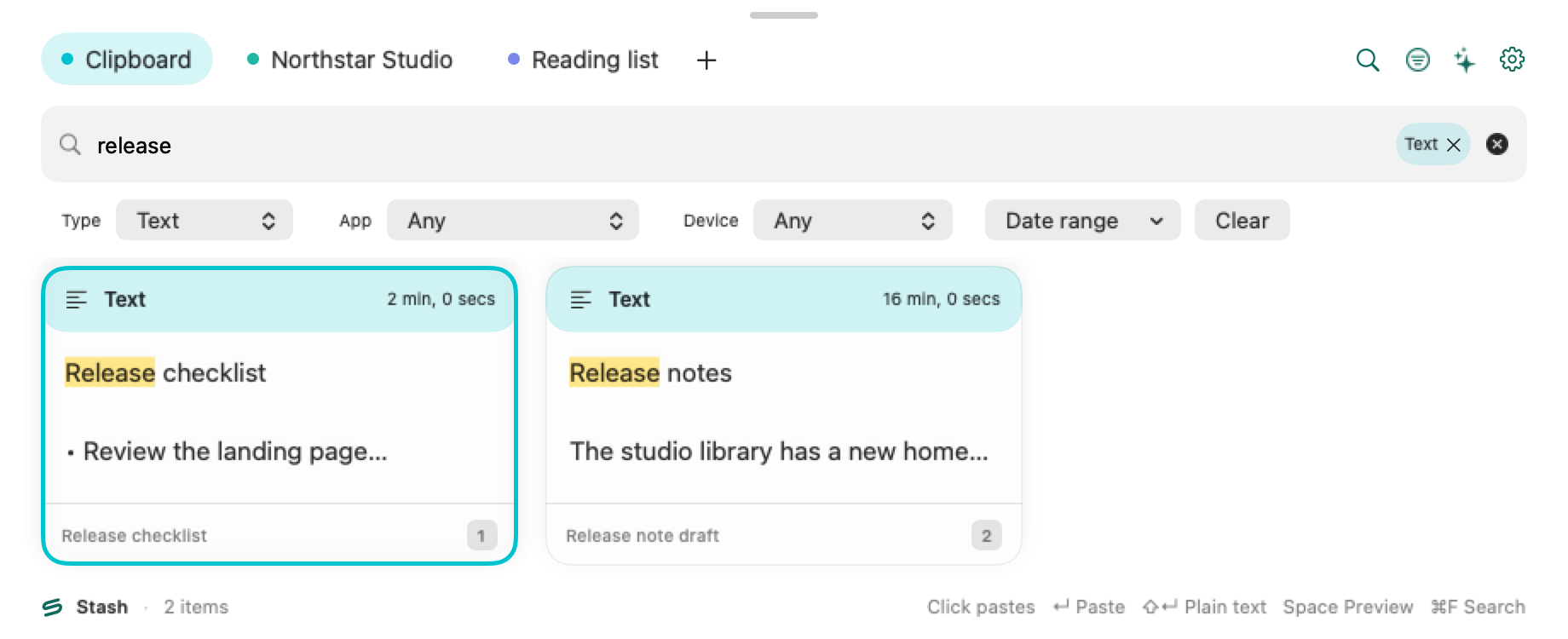
Search for release, then choose Text. These sample notes show how search and filters work together.

4 / 4
Direct paste needs Accessibility permission and a compatible focused app. Without it, Stash copies the item so you can paste it with ⌘V.
Paste permissions & shortcutsManual paste remains available after copying the item.
Find it again
Search what you copied, then narrow it by type, app, device or date. Get back to the part you wanted to use.
Try “release” with the Text filter. The actual controls are Type, App, Device and Date range.
Explore search & filters
Keep it on a Pinboard

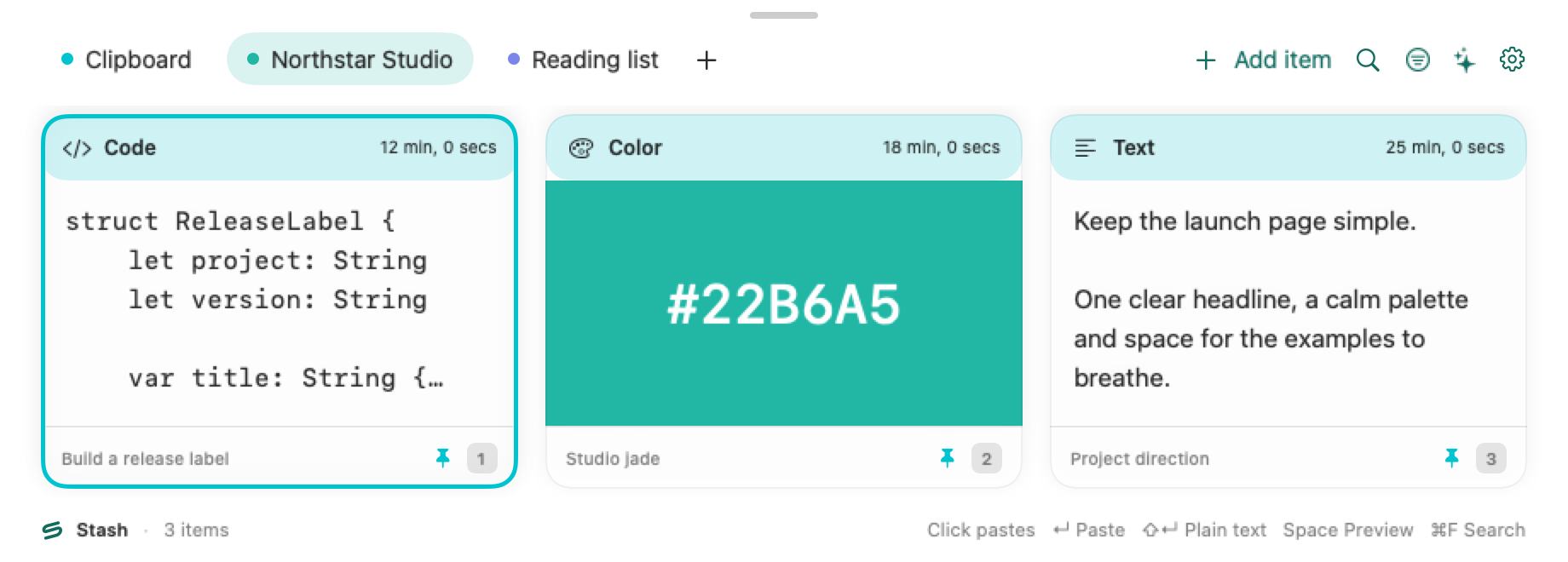
Name a Pinboard for your project. Keep useful text, links and code together, or choose Add item to create text directly on the board.
Local Pinboards are included. iCloud sync and shared Pinboards are disabled in this download.
Organize a PinboardMake it useful again
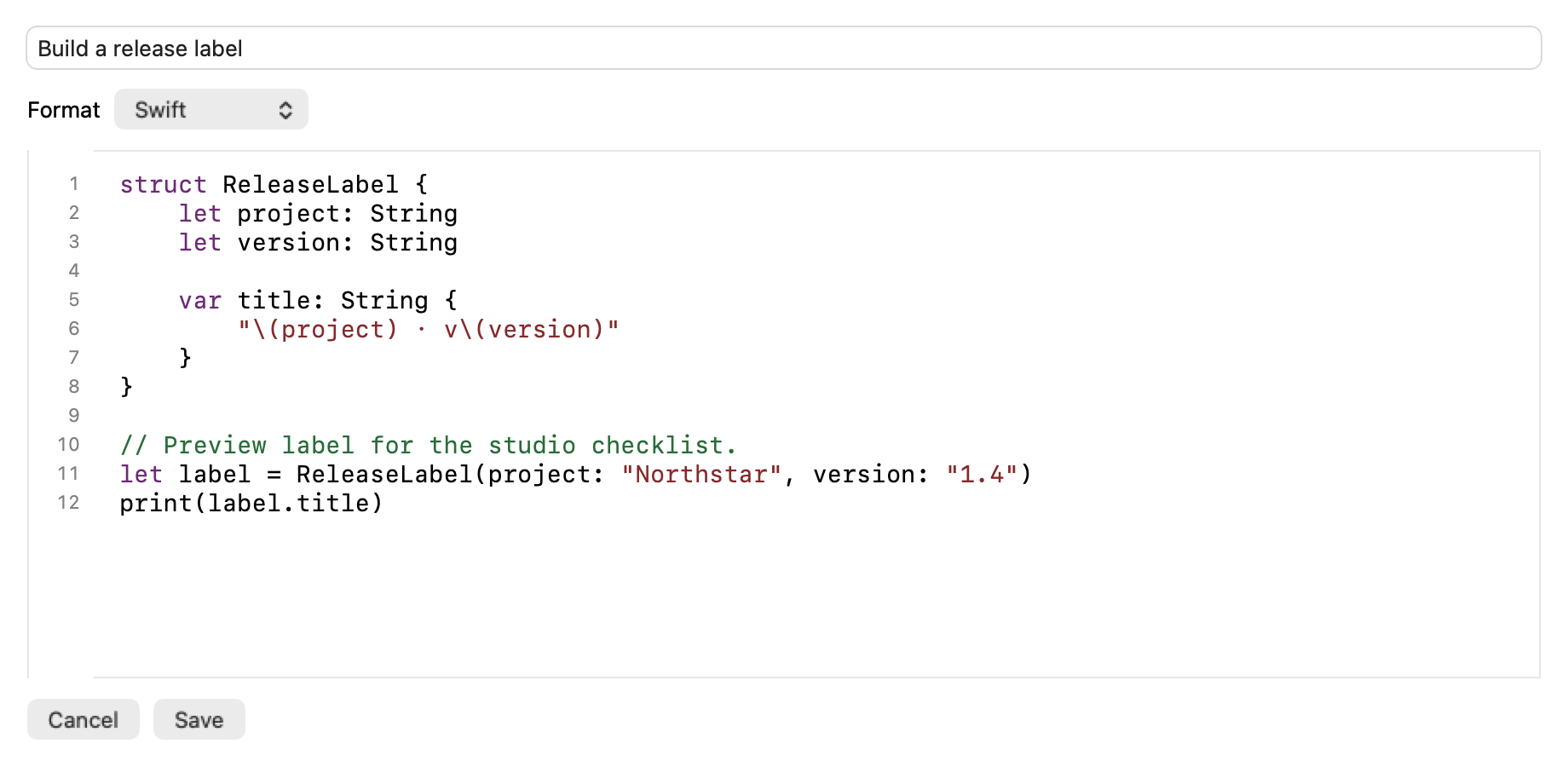
Choose Edit… to update a saved text item. Use Plain Text or Rich Text, or pick a code language for syntax coloring, line numbers and indentation.
Code stays literal when copied. Choose Save to keep your changes, or Cancel to leave the item as it was.
Meet the editor
Keep code snippets and terminal commands on a project Pinboard. Check and edit them before pasting into your tools.
Edit a snippet ↗Bring reference links and working notes together, then return to the board when you pick up the project.
Build a collection ↗Save a recurring reply or checklist as text. Adjust it for the moment, and copy it when you need it.
Reuse a clip ↗A local library with concrete capture controls. Review them before copying sensitive content.

Settings → General → Keep history controls older History. Erase History… keeps Pinboards. Back up anything you need before removing it.
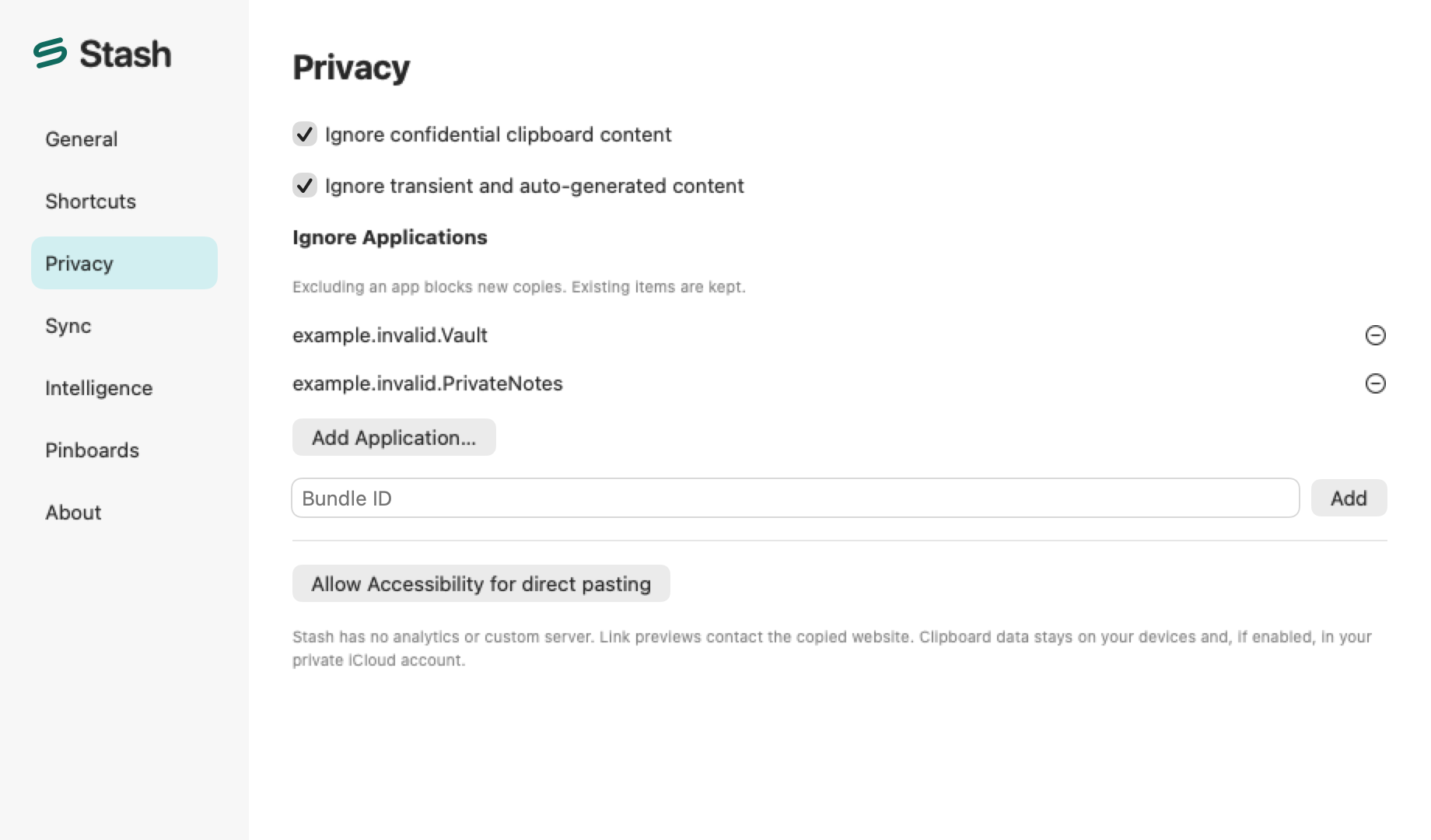
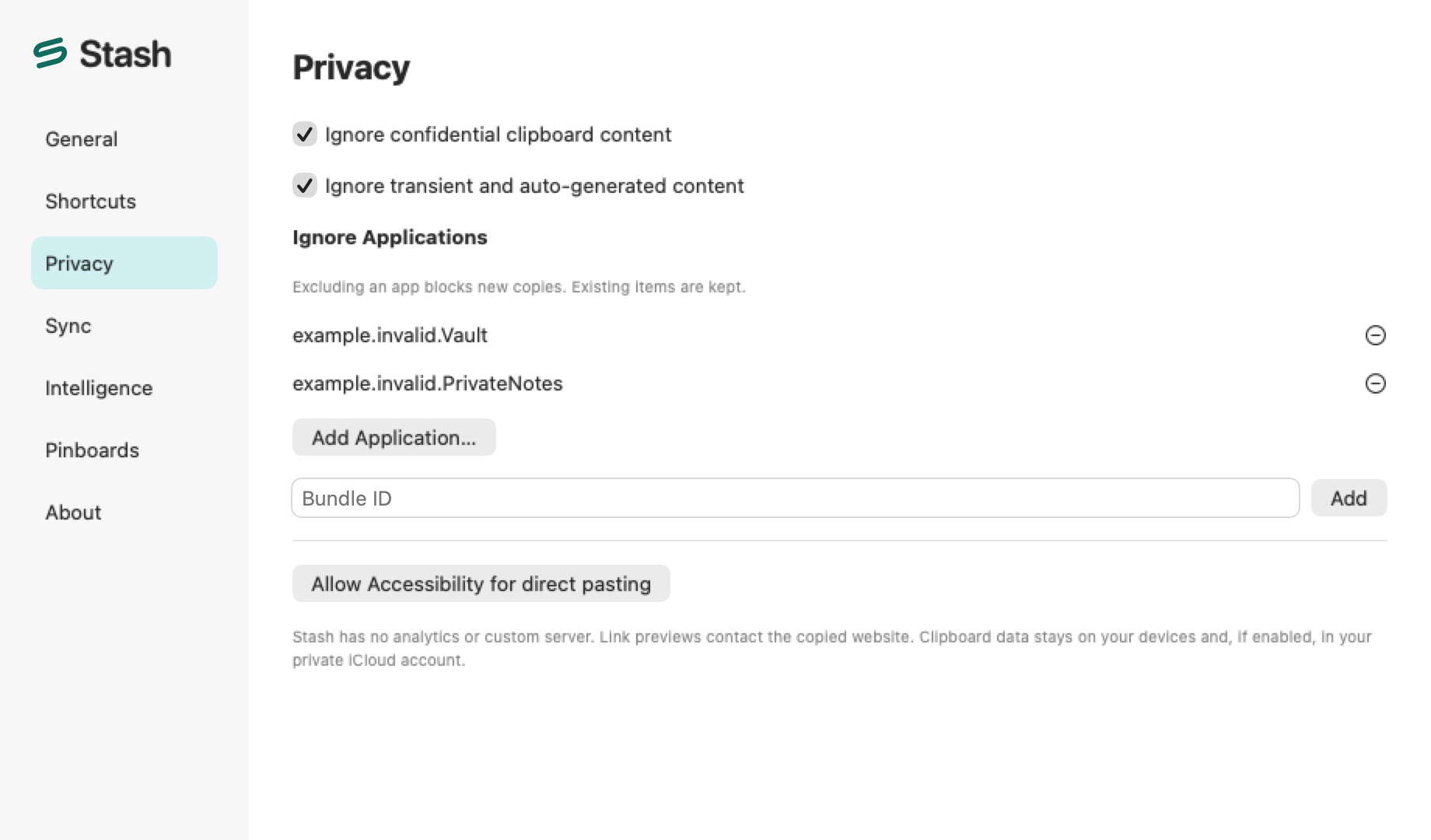
Settings → Privacy → Ignore Applications blocks new capture from selected apps. It does not remove items already saved.
Pause from the menu bar. Privacy settings can ignore confidential or transient clipboard content, using the markers and app information available.
Link previews can contact the copied website. Optional Suggestions use active-window context under system permissions; approved MCP clients can access granted scopes. Archives may contain private content. iCloud is disabled in this download.
The public Mac download requires macOS 14 or later and supports Apple silicon and Intel. The app interface is in English. Direct paste additionally needs Accessibility permission and a compatible destination app.
Read the guide ↗This is an experimental development build with ad-hoc signing, not an Apple-notarized release. Read the installation notes and verify the downloaded file’s SHA-256 before opening it.
Read the guide ↗The iOS app and extensions are source-only: they require a manual build and signing. The source targets iOS/iPadOS 17+. There is no public iOS download or App Store listing linked here; physical-device acceptance remains unverified.
Read the guide ↗Local Pinboards are available. iCloud sync and shared Pinboards are disabled in this Mac package. They require a custom provisioned build, CloudKit configuration and separate device/account testing.
Read the guide ↗No. Suggestions are optional and need macOS 26+, an eligible Apple Intelligence device with Apple Intelligence enabled and the system model ready, explicit opt-in, Accessibility and Screen Recording permissions, and a compatible visible window. These are not requirements for the core clipboard features.
Read the guide ↗Stash supports archive export and import. Exports may include private clipboard data, so keep them private. Mac file references do not back up the original files themselves.
Read the guide ↗
Try the experimental Mac build. Start with the installation guide and make Stash fit the way you work.
Experimental build 0.1.11 (219) · macOS 14+
Development build with ad-hoc signing and no Apple notarization. macOS may block opening.
Installation & checksumsv0.1.11-dev.219